The spreadsheet is never the plan
When managing projects via Microsoft Planner, I often run into the same Microsoft 365 job: creating templated tasks in Planner.
Import To Planner is a single-purpose Blazor app for that job. Pick a container, pick a plan, upload the file, validate and preview, then confirm. Writes only happen on that last step.
I didn’t want anything too fancy (at this point at least) so feature-rich, it is not, but it does the job for me. Take a CSV file with a load of tasks in it (that I use time and time again) and import it into Planner. The app validates the rows, shows you what will be created, and then creates them.
At the moment, it’s a self-hosting thing: you can point it at your own Entra tenant. Hosted multi-tenant mode exists if you need it; you do not need it to run the software. My eventual plan is to create a paid-for multi-tenant hosted version, but for now, it’s a single-tenant app that you can run yourself.
Stack
.NET 10, Microsoft Graph behind an adapter, Microsoft Identity Web for Entra sign-in, MudBlazor for the stepped UI, CsvHelper for the file, Aspire for local orchestration. Domain and Application own the policy. Graph stays in Infrastructure.
Project details
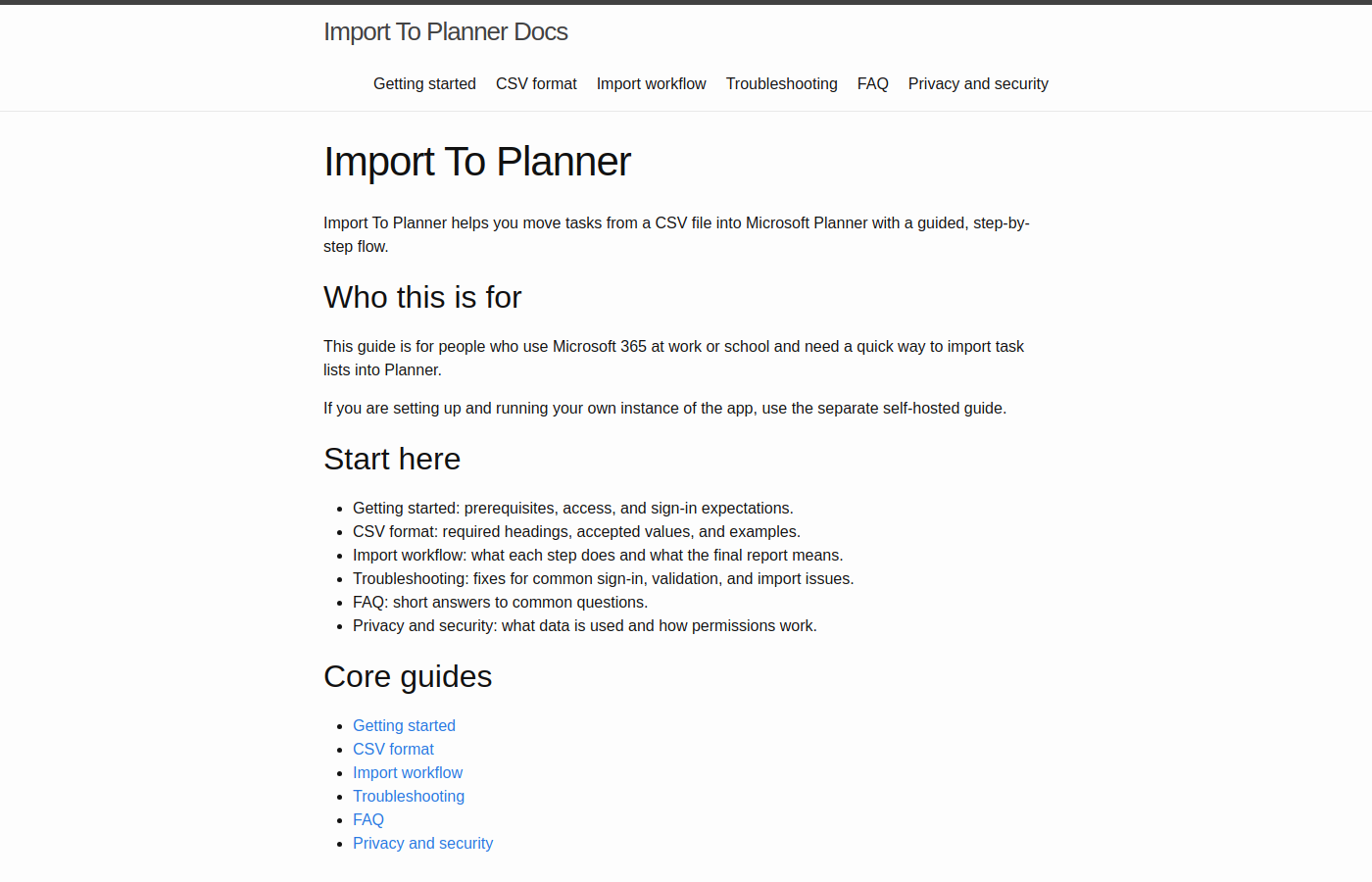
The technical write-up is here: Import To Planner. Docs: docs.importplanner.app.
Final thoughts
This is a small project, but it solves a real-world headache for me. I have a lot of recurring tasks that I need to create in Planner, and this app makes it easy to do so. It also serves as a good example of how to use Microsoft Graph in a Blazor app, and how to structure a small project with a clean architecture.