Overview
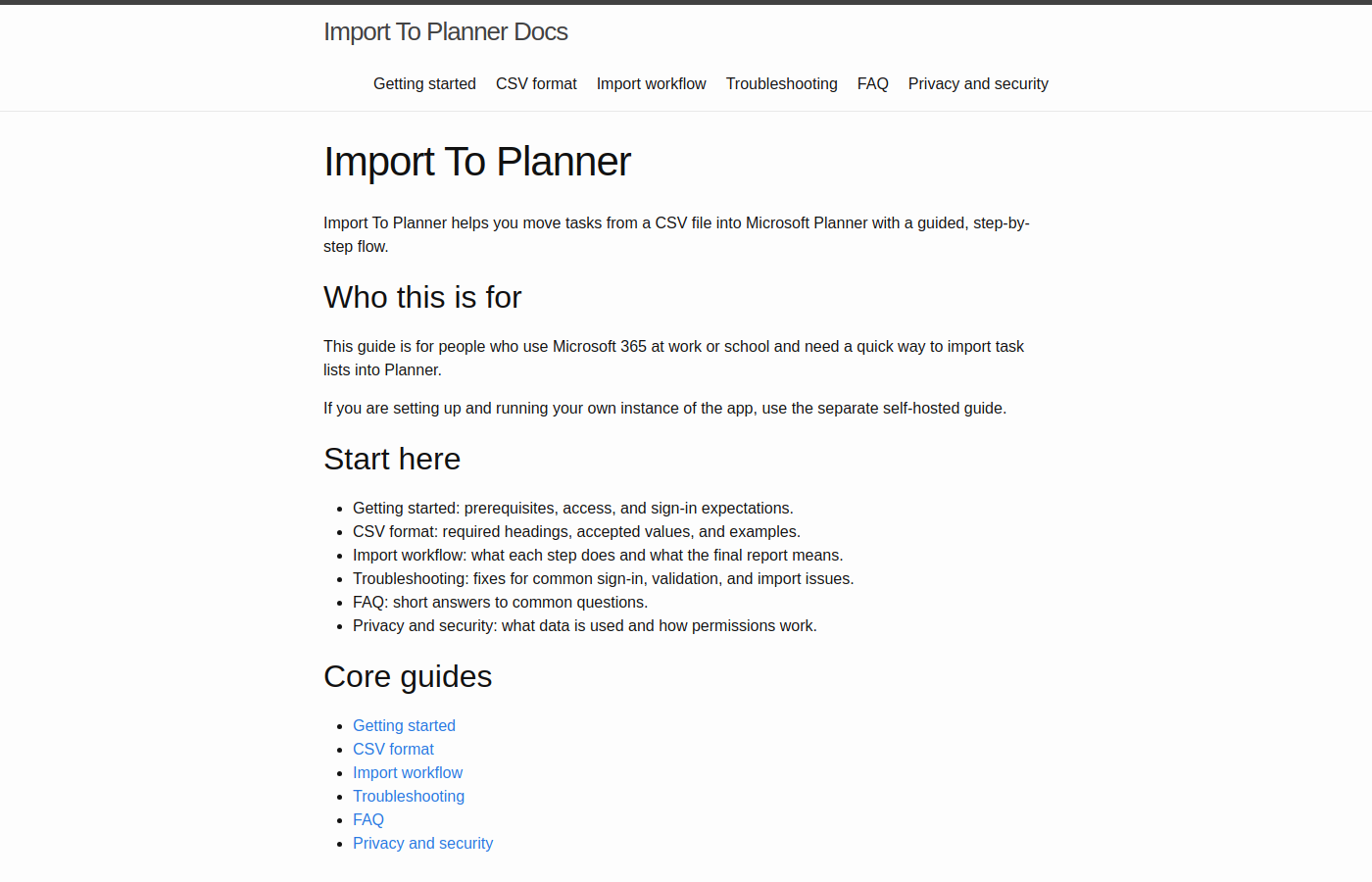
Import To Planner is a single-purpose Blazor app for getting a CSV task list into Microsoft Planner without dumping rows in blindly.
The workflow is deliberately cautious: pick a container, pick a plan, upload a CSV, validate and preview, then confirm. Writes only happen after that last step. Existing tasks can be matched by name so you do not create duplicates, and the run report tells you what was created, skipped, or needs a manual follow-up.
Self-hosting is a first-class path. You can run it against your own Entra tenant and Planner data. There is also a hosted multi-tenant mode for shared deployments, but that is additive, you do not need it to use the software.
This is the kind of small, boring Microsoft 365 problem I keep bumping into: someone has a spreadsheet, Planner is where the work should live, and Graph will do the job if you wrap it in a workflow people can trust.
Technologies Used
- .NET 10 / C#: ASP.NET Core Blazor Web App.
- Microsoft Graph: Planner operations via a dedicated infrastructure adapter.
- Microsoft Identity Web: Entra ID sign-in, single-tenant or multi-tenant authority.
- MudBlazor: stepped UI, searchable selectors, and result reporting.
- CsvHelper: row-level CSV parsing and validation.
- .NET Aspire: local orchestration with Azurite-backed storage for development.
Key Features
- Operator-led import: validate and preview are separate from execution.
- Stale-preview protection: you cannot confirm a preview that is no longer current.
- Partial-success handling: one retry for transient row failures, with a clear report.
- Self-hosted or hosted:
AzureAd:HomeTenantIdchooses single-tenant or shared-organisations behaviour. - Clean Architecture: Domain and Application own policy; Graph stays in the adapter layer.
Live Docs
Repository
A focused Microsoft 365 utility: one job, done carefully, with the Graph and Entra pieces sitting behind a workflow a person can actually follow.