A Personal Desktop with AVD
I’ve used Azure Virtual Desktop (AVD) a few times in the past and always appreciated the flexibility it offers. But deploying it manually is not something you want to do more than once. There are a lot of moving parts, and unless you do it regularly, the steps become a blur pretty quickly.
I often need a development setup when I’m away from home. My everyday laptop is great for general tasks but not ideal for heavyweight development workloads such as Visual Studio or more demanding tools. AVD solves this nicely, but I definitely don’t want a permanent deployment running (and costing money) all year round.
I was reminded of this over the weekend and, having recently been looking at Bicep, had a bit of a lightbulb moment. I set myself a challenge:
Automate the entire AVD deployment using Bicep, make it repeatable, and keep it cheap.
The result is now open-source: 👉 https://github.com/markheydon/avd-occasional
The Problem I Wanted to Solve
My goal was simple:
- When I occasionally need a beefier dev environment → deploy AVD.
- Use it for a few days.
- Tear it down when I’m finished.
- Avoid the manual slog each time.
- Avoid the cost of keeping anything running unnecessarily.
Having done the manual steps before, I knew what was involved: networks, host pools, VM extensions, workspaces, role assignments, and more. Doing that from memory every couple of months would be a guaranteed mess.
Infrastructure-as-code (IaC) was the obvious answer.
My First Real Dive into Bicep
I’d been reading about and experimenting with Bicep recently. I’ve never worked directly with ARM templates, but I’ve seen enough of them to know they’re not something I was keen to dive into. As a result, I’ve typically stuck with the Azure Portal or Azure CLI. Bicep, being a real language with proper structure, promised a cleaner developer experience and that’s much more my kind of thing.
A few things that stood out:
- The syntax is far more readable than ARM (and makes much more sense to my developer brain).
- Modules make structuring a deployment genuinely pleasant.
- Tooling (linting, formatting, type checking) removes a lot of friction.
- Errors are far more understandable.
- Iterating is quick and intuitive.
For a first-time Bicep project, AVD might seem ambitious given how many interconnected parts it has, but it turned out to be a great way to learn the language. The many components of AVD meant I couldn’t realistically keep everything inside a single main.bicep which forced me to use modules and get experience with more advanced patterns.
Did AI Feature in This Project?
It’s worth adding that I did use some Copilot Premium Requests on this project and found it incredibly helpful. Not having to constantly dive into Azure Provider references to remember which properties belonged to which resource type definitely sped things up. I also used, for the first time, the SE: Tech Writer agent from the Awesome GitHub Copilot repo, and was pleasantly surprised at how closely the documentation it generated matched the actual code and deployed infrastructure.
Less impressive was that nearly all of the resources it helped me generate were using older API versions, so I had to update most of them manually to more recent versions.
What’s Deployed?
The project automates everything needed for a working AVD setup, including:
- Resource group.
- Virtual network + subnets.
- Host pool.
- Application group (of type Desktop).
- Workspace.
- Session host VM(s).
- Entra ID / domain join configuration.
- RBAC and supporting resources.
With the parameters set, deployment becomes as easy as:
az deployment sub create \
  --location ukwest \
  --template-file main.bicep \
  --parameters <your-params>
A short while later, you can log in to the VM via AVD. When you’re done, delete the resource group and everything vanishes. Clean, predictable, cheap.
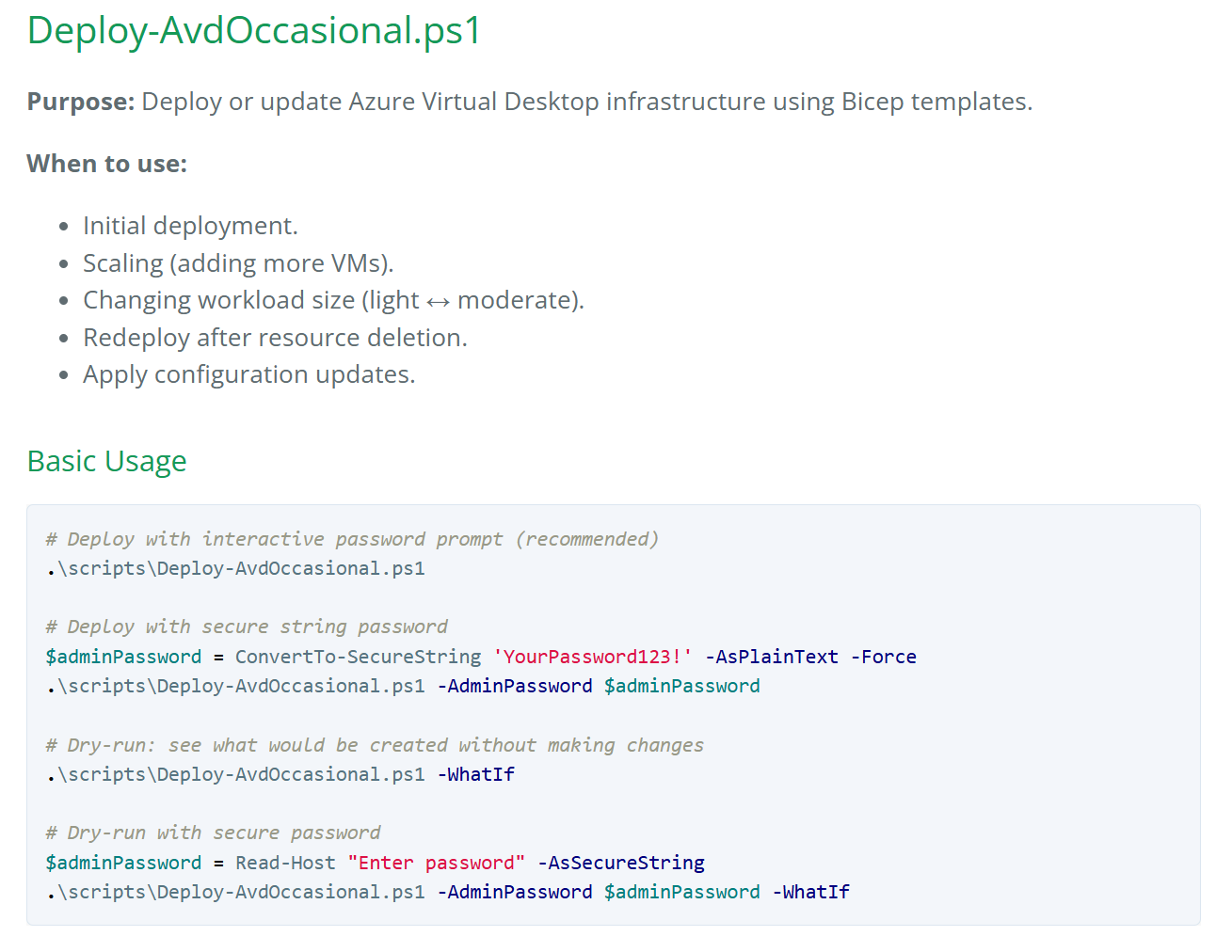
The project actually goes further than the raw az deployment command by including a deploy PowerShell script, plus start and stop scripts, and a quick test script for session host issues. There are plenty of improvements I’m already thinking about, but what I published today feels like a solid starting point.
Project Details
If you’re curious, you can check out the project’s technical details at: markheydon.me.uk/projects/avd-occasional-bicep.
Lessons Learned
A few takeaways from the process:
- AVD is still a complex beast: Even with automation, you appreciate just how many components sit behind a working deployment.
- Bicep modules are incredibly powerful: Breaking things into modules kept the repo tidy and made experimenting easy.
- Good defaults make all the difference: Part of the project’s value is removing decision fatigue. I didn’t want to think, I just wanted to deploy.
I’ll use this setup again and again whenever I need a temporary dev machine.
What’s Next?
For future improvements, I’m considering:
- Multiple image options.
- Automated schedules for shutdown/startup.
- More parameterised scaling choices.
Final Thoughts
Like a lot of weekend projects, it turned into a Monday morning project as well to get it finally finished and published. But it was a great learning project and has resulted in something genuinely useful for me. If you ever need a temporary AVD environment, go take a look!